
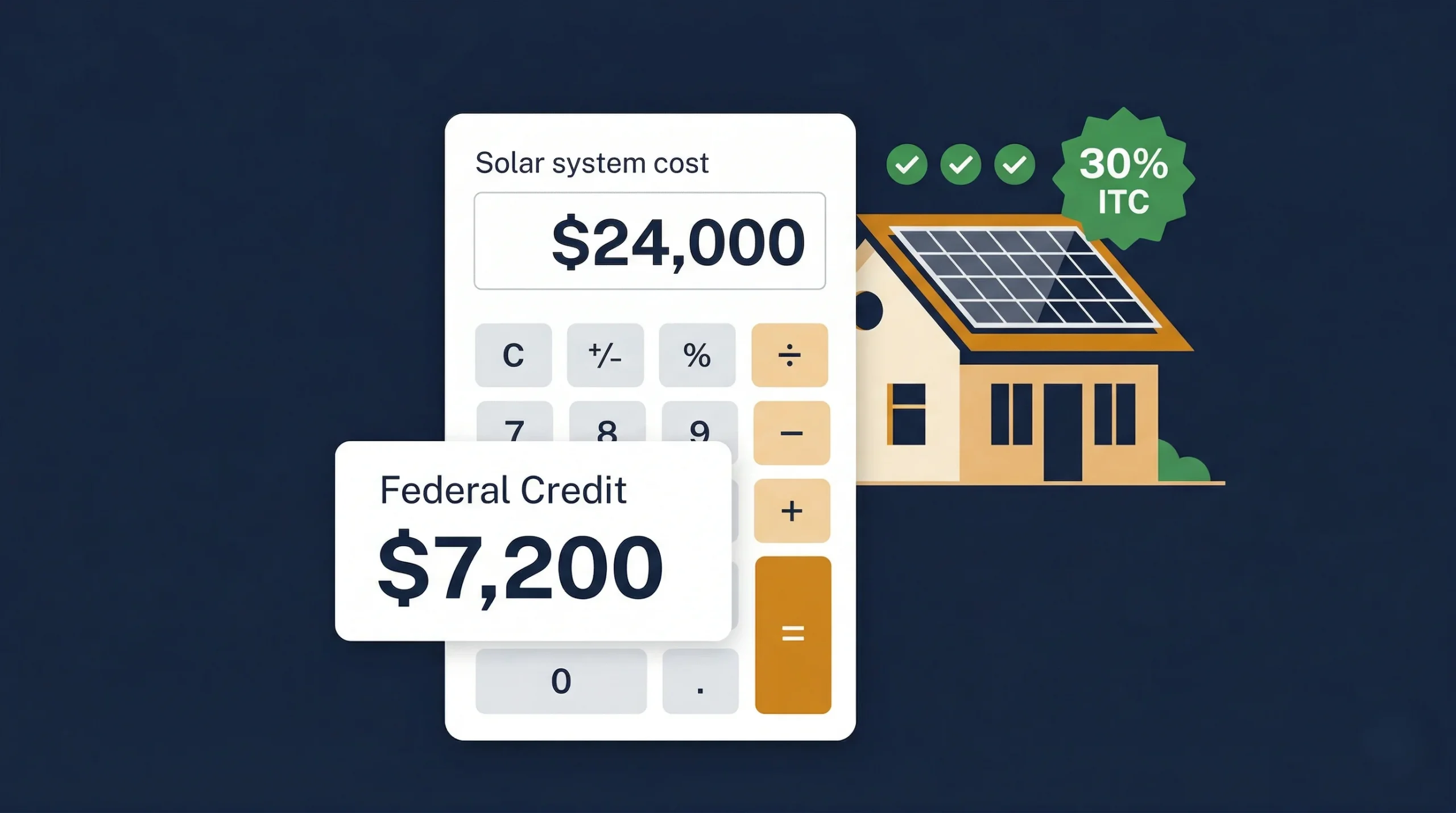
There is a question that appears on our calculator site more often than almost any other: ‘What is an ITC solar credit calculator and how do I use one?’ The answer matters because the federal Investment Tax Credit can be worth $5,000 to $11,000 on a typical residential system — and knowing how to calculate it accurately, and what inputs feed the calculation, directly affects how you evaluate any solar quote you receive.
An ITC solar credit calculator is a tool that takes your total qualifying installation cost and computes your 30% federal credit, shows how that credit interacts with your estimated tax liability, and — in the best versions — also factors in any state-level incentives that stack on top. Used correctly before signing an installation contract, it transforms a complex-seeming tax provision into a single clear number: your actual net cost.
This guide explains exactly how solar ITC calculators work, what inputs they need, how to interpret their outputs, and provides a complete manual lookup table so you can calculate your credit without a digital tool if needed.
What a Good ITC Solar Credit Calculator Tells You:
| The best solar ITC calculators give you three numbers: your 30% federal credit amount, how much of that credit you can use in year one based on your estimated tax liability, and your net system cost after all applicable incentives — federal plus state. These three numbers together tell you the true cost of going solar for your specific situation. |
📊 IRS: IRS Form 5695 — Residential Energy Credits: Official 2026 Instructions
📌 Also Read:
| → Solar Tax Credit Calculator 2026 — our free tool for your exact credit amount → Federal Solar Tax Credit: The Complete 2026 Guide → How to Calculate the 30% Solar ITC Step by Step |
What Is an ITC Solar Credit Calculator?
An ITC solar credit calculator is a tool — digital or manual — that calculates the value of the federal Investment Tax Credit for your specific solar installation. At its core, the calculation is simple: your total qualifying installation cost multiplied by 30%. But a well-designed calculator also handles the additional complexity: tax liability comparison, carryforward scenarios, battery storage inclusion, and state incentive stacking.
The ‘ITC’ in ‘ITC solar credit calculator’ stands for Investment Tax Credit — the official name for the provision that allows residential solar system owners to deduct 30% of their installation cost from their federal income tax bill. It is currently available at the 30% rate through 2032 under the Inflation Reduction Act.
| 30% | 3 inputs | $7,200 | Under 2 min |
| Federal ITC rate through 2032 | System cost · Tax liability · State incentives | Credit on avg $24,000 system | Time to calculate with our tool |
The 3 Key Inputs Every ITC Calculator Needs
Regardless of whether you use a digital tool or calculate manually, every ITC solar credit calculation requires three inputs:
| Input | What It Is | Where to Find It |
| Total qualifying system cost | The sum of all eligible installation costs — panels, inverter, labour, permits, wiring, battery if applicable | Your final installer invoice — add all qualifying line items |
| Your federal tax liability | Your total federal income tax for the year, before withholding credits | Line 24 of your most recent Form 1040 |
| State incentives (optional) | Any state rebates, state tax credits, or SREC values that stack with the federal ITC | DSIRE database + your installer quote |
Complete ITC Credit Lookup Table — Every System Cost from $10,000 to $45,000
Use this reference table to find your federal ITC credit amount instantly. Find your qualifying system cost in the left column and read your 30% credit amount in the right column. No calculator needed.
| Qualifying System Cost | 30% Federal ITC Credit | Net Cost After Federal ITC | Notes |
| $10,000 | $3,000 | $7,000 | Small system, 3–4 kW |
| $12,000 | $3,600 | $8,400 | Small-medium, 4–5 kW |
| $14,000 | $4,200 | $9,800 | Medium, 5 kW |
| $15,000 | $4,500 | $10,500 | Medium, 5–6 kW |
| $16,000 | $4,800 | $11,200 | Medium, 5–6 kW |
| $18,000 | $5,400 | $12,600 | 6 kW system |
| $20,000 | $6,000 | $14,000 | 6–7 kW |
| $22,000 | $6,600 | $15,400 | 7 kW |
| $24,000 | $7,200 | $16,800 | ⭐ Most common: 8 kW |
| $26,000 | $7,800 | $18,200 | 8–9 kW |
| $28,000 | $8,400 | $19,600 | 9–10 kW |
| $30,000 | $9,000 | $21,000 | ⭐ Most common: 10 kW |
| $32,000 | $9,600 | $22,400 | 10–11 kW |
| $34,000 | $10,200 | $23,800 | 11 kW |
| $36,000 | $10,800 | $25,200 | ⭐ Most common: 12 kW |
| $38,000 | $11,400 | $26,600 | 12 kW + battery |
| $40,000 | $12,000 | $28,000 | Large system + battery |
| $42,000 | $12,600 | $29,400 | Large system + battery |
| $45,000 | $13,500 | $31,500 | Very large or multiple batteries |
For your personalised calculation that also includes battery storage, state incentives, and carryforward scenarios: use our free solar tax credit calculator.
How to Use an ITC Solar Credit Calculator — Step by Step
Here is the exact process for getting accurate results from any solar ITC calculator, including ours:
Step 1 — Get Your Itemised Installer Quote
Before entering any numbers into a calculator, obtain a fully itemised quote from your installer. You need to see each cost component separately — panels, inverter, labour, electrical, permits — so you can identify the qualifying cost accurately. Do not use the gross total if it includes non-qualifying items like roof replacement or extended maintenance plans.
Step 2 — Calculate Your Qualifying Cost
Add up all qualifying line items from your quote. Include: panels, inverter, mounting, wiring, labour, permits, and any battery storage. Exclude: roof replacement, landscaping, extended service contracts. This sum is your qualifying cost — the number you enter into the ITC calculator.
Step 3 — Enter Your Qualifying Cost
Enter your qualifying cost into the ITC calculator. The tool multiplies by 30% to produce your federal credit. Double-check: if you are including battery storage, make sure it is included in your qualifying cost figure — standalone batteries added in the same project qualify at the full 30% rate.
Step 4 — Enter Your Estimated Federal Tax Liability
Enter your estimated federal tax liability for the year of installation. This is your Line 24 figure from your most recent Form 1040. If you are expecting income changes (job change, retirement, major sale), estimate your liability for the installation year rather than using last year’s figure. The calculator uses this to show how much of the credit you can use in year one and how much carries forward.
Step 5 — Add State Incentives (If Applicable)
If your state offers additional incentives — a state tax credit, NY-Sun rebate, SREC programme — enter these to see your combined net cost. Good ITC calculators include a state incentive field. If yours does not, simply subtract your state incentive value from the net federal credit result manually.
Step 6 — Read Your Output
A complete ITC calculator output shows: your federal credit amount, your year-one credit usage, any carryforward amount, and your net system cost after all credits. These four numbers are what you need to make your solar decision with confidence.
📌 Also Read:
ITC Calculator Results for the 5 Most Common Homeowner Scenarios
Here are worked ITC calculator outputs for the five system and homeowner combinations we see most often:
| Scenario | System Cost | Fed. ITC | Tax Liability | Year 1 Used | Carryforward | Net Cost |
| Single, avg income | $19,600 | $5,880 | $6,200 | $5,880 | $0 | $13,720 |
| Married, good income | $24,000 | $7,200 | $14,000 | $7,200 | $0 | $16,800 |
| Married + battery | $36,400 | $10,920 | $18,000 | $10,920 | $0 | $25,480 |
| Retiree, low liability | $21,000 | $6,300 | $2,800 | $2,800 | $3,500 | $14,700* |
| NY homeowner | $24,000 | $7,200+$9,000 NY | $12,000 | Full + NY | $0 | ~$7,800 |
* Retiree net cost of $14,700 reflects the full $6,300 credit eventually applied over 2–3 years via carryforward. The NY homeowner row reflects the combined federal ITC plus NY-Sun rebate plus state credit stack.
How to Maximise Your ITC Calculator Result — 6 Ways to Increase Your Credit
The ITC calculator output is only as good as the inputs you feed it. Here are six ways to legitimately increase the credit amount the calculator returns — all within IRS rules.
1. Include Battery Storage in the Same Project
If you are considering adding a home battery, include it in the same installation project rather than as a separate later addition. Either way it qualifies for the 30% credit — but including it in the initial project simplifies the paperwork and ensures the full combined cost goes through a single Form 5695. On a $12,000 battery, this adds $3,600 to your credit.
2. Do Not Exclude Eligible Costs
The most common calculation error homeowners make is under-counting their qualifying costs. Labour, permits, and electrical panel upgrade costs (when required for the solar installation) all qualify. Make sure every eligible line item from your quote is included in the qualifying cost you enter into the calculator.
3. Time Your Installation for Your Peak Tax Liability Year
If you know your income is higher than usual in a particular year — a one-time bonus, a business sale, a large capital gain — that year is the ideal time to install solar. A higher income means a higher federal tax liability, meaning you can use more of the credit in year one rather than carrying it forward. Forward planning around this can save 1–2 years on your effective payback period.
4. Stack With State Incentives
The ITC calculator should be just the starting point. In states with additional incentives, your actual net cost is significantly lower than the federal ITC alone suggests. Enter your state incentive value into the calculator (or calculate it separately and subtract) to see your true combined net cost.
5. Verify Battery Capacity Meets the 3kWh Minimum
Since the Inflation Reduction Act, standalone battery storage qualifies for the 30% credit — but the battery must have a minimum capacity of 3 kWh. All mainstream residential batteries (Tesla Powerwall at 13.5kWh, Enphase IQ Battery at 5kWh minimum, LG RESU at 6.5kWh+) easily meet this threshold. Confirm the capacity spec before including battery costs in your calculation.
6. Get Multiple Quotes to Maximise Qualifying Cost vs Actual Cost
A higher installation cost produces a higher ITC credit — but also a higher net cost. The goal is not to maximise cost but to maximise value. Getting multiple quotes helps you find the lowest competitive price for a quality system, ensuring your ITC credit is calculated on a genuinely competitive installation cost rather than an inflated quote.
What to Do After Running Your ITC Calculator
Once you have your ITC credit amount and net cost, here is the decision framework:
If Your Net Cost Produces a Payback Under 10 Years
Solar is almost certainly financially worthwhile for your situation. Proceed with getting three installer quotes, confirm your state incentives, and use our payback period calculator to see your exact break-even timeline.
If Your Net Cost Produces a Payback of 10–14 Years
Solar may be worthwhile, depending on your time horizon and how long you plan to stay in your home. Model the full 25-year return, not just the payback period — even a 13-year payback leaves 12 years of profit within the panel warranty period.
If Your Net Cost Produces a Payback Over 14 Years
Solar is financially marginal for your current situation. The most common causes are a low electricity rate (below 10¢/kWh), low peak sun hours, or an oversized system for your actual consumption. Re-run the calculator with a system sized to 80–90% of your usage rather than 100%, and check whether state incentives you may have missed could change the picture.
📊 EnergySage: EnergySage — Solar ITC Calculator and Credit Estimation Guide 2026
Frequently Asked Questions
What is the ITC in a solar credit calculator?
ITC stands for Investment Tax Credit — the federal programme that allows homeowners to claim 30% of their solar installation cost as a direct reduction in their federal income taxes. In a solar ITC calculator, the ITC is the core calculation: your qualifying system cost multiplied by 30%. The result is the dollar amount your federal tax bill is reduced by in the year you install and file your tax return.
How accurate is an ITC solar credit calculator?
A solar ITC calculator is highly accurate for the federal credit amount — it is a simple multiplication of your qualifying cost by 30%, so accuracy depends only on inputting the correct qualifying cost. The year-one vs carryforward split calculation is also accurate when you enter your correct federal tax liability. The calculator becomes less precise when estimating state incentives, which have their own rules, caps, and fluctuating market values. For state-specific accuracy, always verify directly with your state energy office or DSIRE.
Can I use an ITC calculator before getting an installer quote?
Yes — you can use an ITC calculator with an estimated system cost to get a ballpark credit figure before receiving any formal quotes. For a 6kW system in most US markets, the gross cost typically falls between $16,800 and $21,000 — giving a federal credit of $5,040 to $6,300. This is a useful starting point for financial planning. Once you receive actual installer quotes, re-run the calculator with your real qualifying cost for a precise credit figure.
Does the ITC calculator change if I have solar and a battery together?
No — the calculation method is identical. You simply add the battery storage cost to your qualifying system cost total before multiplying by 30%. A $24,000 solar system plus a $12,000 battery gives a qualifying cost of $36,000 and a 30% credit of $10,800. The IRS treats the combined installation cost as a single qualifying project on Form 5695, applying the 30% rate to the total.